
Web Performance
Website Performance for Small Business — Why Speed Is a Business Issue
Website performance for small business has moved from a technical concern to a core business priority.
Speed affects where your site ranks in Google search results. It affects whether visitors stay or leave within the first few seconds of arrival. It affects the impression your business makes before a single word of content is read. And it affects whether the investment made in building a professional website continues to deliver returns — or quietly erodes as performance degrades over time.
The businesses winning online today aren’t just the ones with the best-designed websites. They’re the ones with websites that load fast, stay stable, and perform consistently across every device and connection speed their visitors are using.
How Website Performance Affects Small Business Rankings
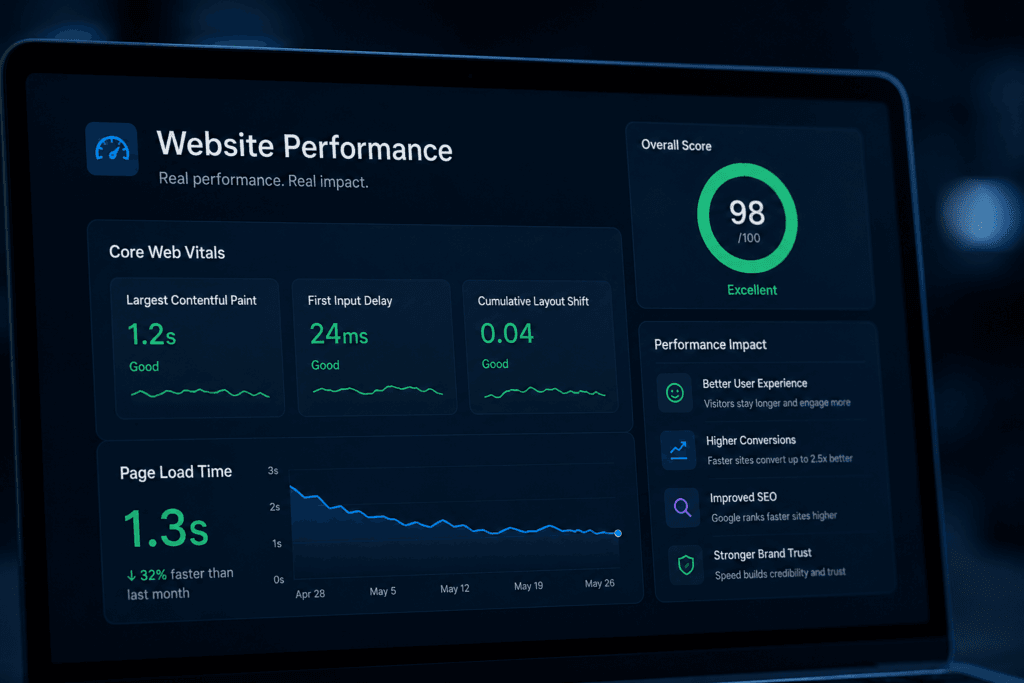
Google uses a set of standardized performance metrics called Core Web Vitals as ranking signals. These metrics measure loading speed, visual stability, and interactivity — the three dimensions of website experience that research has shown most directly affect how visitors feel about a site.
A website that scores well on Core Web Vitals ranks better than a comparable site that doesn’t. For small businesses competing in local markets or service categories where content quality among competitors is similar, performance scores can be the difference between page one and page two visibility.
Understanding core web vitals for small business is the foundation of understanding how website performance connects to search visibility — and why it deserves ongoing attention rather than a one-time configuration.
Why Website Performance Degrades Over Time
One of the most important things to understand about website performance for small business is that it isn’t static.
A site that performed well at launch will not necessarily perform well six or twelve months later. Plugin updates add script weight. Images accumulate without optimization. New integrations add third-party requests. Caching configurations drift out of alignment. The result is a site that loads measurably slower than it did on launch day — and one that most business owners don’t notice, because they’re checking from a cached browser on a fast connection.
Meanwhile, every new visitor experiences the full weight of accumulated performance degradation. Understanding why your website slows down after launch is essential for any small business that wants its website to perform consistently over time — not just on the day it went live.
The articles in this section cover every dimension of website performance for small business — from the specific metrics Google measures, to the common causes of slow websites, to the technical factors that most directly affect speed and rankings.
Featured Articles

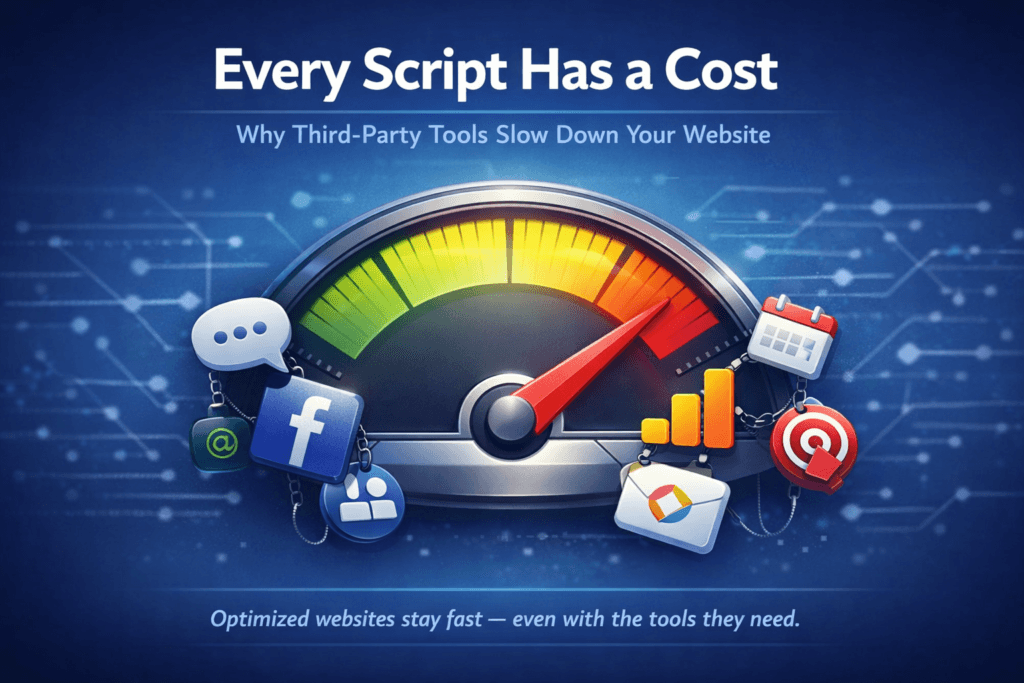
Are Third-Party Scripts Slowing Your Website?
Quick Takeaways Are Third-Party Scripts Slowing Your Website? Third-party scripts slowing your website is one…How Does Website Caching Work? A Plain Guide
Quick Takeaways How Does Website Caching Work? A Plain Guide for Small Business Owners How…
Is Your Slow Website Losing You Customers?
Quick Takeaways Is Your Slow Website Losing You Customers? A slow website losing customers is…
Mobile Website Speed — Why It Matters More Than Ever
Quick Takeaways Mobile Website Speed — Why It Matters More Than Ever Mobile website speed…
Why Is My Website Slow? Common Causes Explained
Quick Takeaways Why is my website slow? It's one of the most common questions small…
Core Web Vitals for Small Business — A Plain Guide
Quick Takeaways Core Web Vitals for Small Business — What They Mean and Why They…Why Website Performance Is a Small Business Priority
Quick Takeaways Why Website Performance Is a Small Business Priority Website performance for small business…


Frequently Asked Questions About Website Performance for Small Business
Why is website performance important for small business?
Website performance directly affects three business outcomes: search rankings, conversion rates, and brand credibility. Google uses Core Web Vitals as ranking signals — slow sites rank lower. Research shows that as mobile load time increases from one to three seconds, bounce probability increases by 32 percent — slow sites lose visitors before they convert. And speed is a credibility signal — a slow website creates doubt about the professionalism of the business behind it. Why website performance is a small business priority covers the full business impact.
What are Core Web Vitals and why do they matter?
Core Web Vitals are Google’s standardized metrics for measuring the real-world experience of visiting a website. They measure three things: how quickly main content loads (LCP), how responsive the site feels to interaction (INP), and how stable the layout is as the page loads (CLS). Google uses these scores as ranking factors — sites with good scores rank better than sites with poor scores. Core Web Vitals for small business explains each metric, what good scores look like, and why they matter for search visibility.
Why is my website slow?
Slow websites are almost always the result of multiple factors accumulating over time rather than a single obvious cause. The most common culprits are unoptimized images, too many plugins adding script weight, third-party integrations loading external scripts, misconfigured or drifting caching, and outdated hosting environments. Why is my website slow covers each cause in detail and explains how to diagnose which ones are affecting your site.
How does mobile website speed affect search rankings?
Google uses mobile-first indexing — meaning it evaluates the mobile version of your website when determining rankings, not the desktop version. A site that performs well on desktop but slowly on mobile will have its rankings determined by its mobile performance. Core Web Vitals scores are measured separately for mobile and desktop, and mobile scores carry more weight. Mobile website speed covers why mobile performance is now the most important performance metric for small businesses.
How does website caching improve performance?
Caching stores pre-built versions of pages and assets so they can be delivered faster without rebuilding from scratch on every visit. Properly configured caching can reduce server response time from several hundred milliseconds to under fifty milliseconds for cached pages — one of the most significant performance improvements available. However caching requires ongoing maintenance to remain effective as the platform evolves. How website caching works explains each type of caching and why it needs active management.
Have Questions?
Choosing the right plan is an important decision. If you have questions about features, onboarding, support, billing, or the Cindaro process, we’re happy to help.
Every Cindaro plan includes managed hosting, security, maintenance, and ongoing support designed to keep your website running smoothly long after launch.