
Quick Takeaways
- Website credibility is whether visitors trust your business enough to call, book, or buy. Most decide within seconds, before reading much of anything.
- The biggest factors are a professional, up-to-date design, a fast site that works on phones, and clear proof that you’re a real, established business.
- Real photos, full contact details, named reviews, and licenses or credentials build trust faster than any slogan.
- Small signs of neglect, like an old copyright year, broken links, or a blog last updated in 2021, quietly cost you customers.
- Use the checklist at the end of this article to score your own site.
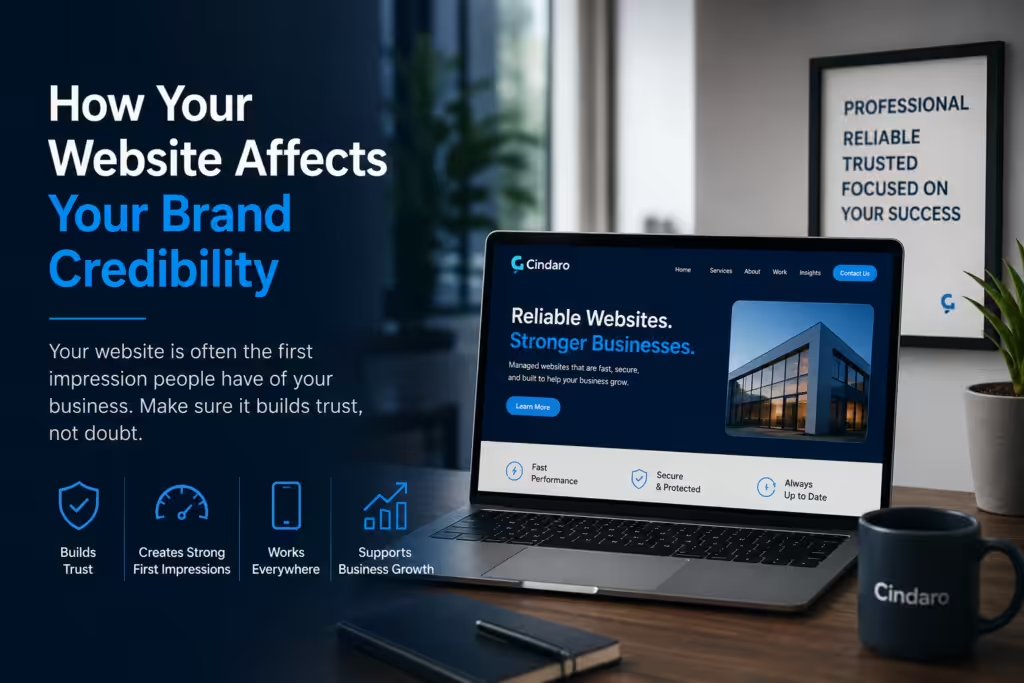
Website credibility is how much visitors trust your business based on your website, and it decides whether they contact you or go back to Google. People judge it quickly and mostly by appearance: in a well-known Stanford study on web credibility, nearly half of people’s comments about whether a site was believable were about its design and look. After that first impression, they look for proof that you’re real, established, and good at what you do.
Below are the specific things that make a small business website look credible, the things that quietly undermine it, and a checklist you can use to score your own site.
Why Website Credibility Matters for Small Businesses
For most small businesses, the website is the first place a new customer checks, even when they found you through a referral or a Google Business Profile. They’re usually comparing two or three businesses at once. If your site looks outdated, loads slowly, or leaves them unsure who you are, they don’t investigate further. They pick the business that looks more trustworthy.
Your actual work may be better. But visitors can’t see that yet. All they can judge is what the website shows them, so the website has to make the case for you.
First Impressions: Design, Speed, and Mobile
1. A clean, current design
A cluttered or dated layout makes a business look out of touch, even when it isn’t. A credible design is simple: plenty of white space, readable text, consistent colors and fonts, and one clear message at the top of each page.
2. A fast site
A page that takes several seconds to show anything feels neglected, and many visitors leave before it finishes loading. Speed is a trust signal as much as a technical one. See why your website is loading slow for the common causes.
3. A site that works properly on phones
Most small business visitors arrive on a phone. Text that’s too small, buttons that are hard to tap, or a layout that breaks on mobile undo the good impression your desktop site makes. Mobile website speed matters for the same reason.
4. A secure connection (HTTPS)
Browsers mark sites without HTTPS as “Not secure”, especially on pages with forms. Make sure every page loads with the padlock icon, including your contact form.
Show That You’re a Real Business
5. Your phone number, email, and address or service area
Put your phone number in the header and your full contact details in the footer of every page. A real street address or a clear service area tells visitors you’re local and accountable.
6. A professional email address
An address like [email protected] looks established. A free Gmail or Yahoo address on your contact page makes visitors wonder how serious the business is.
7. Real photos of your team and your work
Stock photos of smiling models are easy to spot and don’t prove anything. Photos of you, your team, your vehicles, and finished jobs show there are real people behind the business.
8. An About page with names and faces
Visitors want to know who they’ll be dealing with. Share who runs the business, how long you’ve been doing this, and why. A short, honest story builds more trust than a list of buzzwords.
9. Licenses, insurance, and credentials
If your trade requires a license, show the number. Mention insurance, certifications, and memberships in trade associations. Only list credentials you actually hold, and link to them where you can.
Show Proof That Customers Trust You
10. Reviews with real names
Reviews from Google or other review sites, quoted with the customer’s name and, if possible, their town, are far more convincing than anonymous praise. Put a few on your homepage and service pages, not just on a separate testimonials page. Only use genuine reviews: customers are getting better at spotting fake Google reviews, and buying them can get your profile restricted.
11. Examples of your work
Before-and-after photos, project galleries, or short case studies show what customers can expect. For service businesses, this is often the most persuasive part of the site.
12. Specific numbers
“Over 400 roofs replaced since 2012” is more believable than “years of experience.” Use real figures you can stand behind.
Keep It Clear and Up to Date
13. A clear headline that says what you do and where
Visitors should know within a few seconds what you offer, who it’s for, and where you work. “Emergency plumbing in Fort Worth, 24/7” does more than “Welcome to our website.”
14. Pricing or price ranges
Even a “starting at” price or a typical range reassures visitors that there won’t be surprises. Hiding all pricing makes some people assume the worst.
15. Current information everywhere
Check the copyright year in the footer, your hours, your service list, and your team page. A blog whose last post is from three years ago can make the business look closed, so either keep it current or remove the dates.
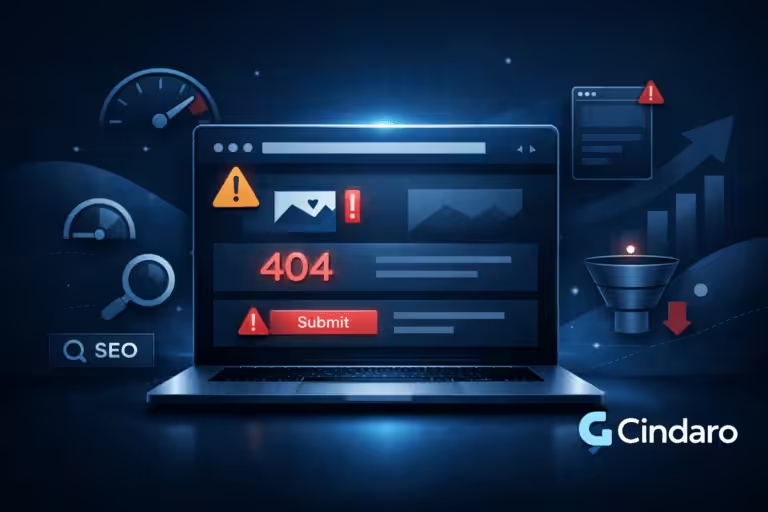
16. No broken links, errors, or typos
A broken page, a contact form that doesn’t send, or a spelling mistake in a headline all suggest carelessness. Test your forms and click through your main pages regularly.
17. A privacy policy
If you collect names and emails through forms, you need a privacy policy. It’s also a small sign that the business is run properly.
Common Things That Make a Website Look Unprofessional
- An outdated design or a template that looks like hundreds of other sites
- Slow loading, pop-ups that cover the page, or autoplay video with sound
- Stock photos everywhere and no real people
- No phone number, or one buried on the contact page
- A free email address as the main contact
- An old copyright year, dated blog posts, or “coming soon” pages
- Broken links, broken forms, or images that don’t load
- Walls of text, vague claims, and spelling mistakes
- A “Not secure” warning in the browser
Website Credibility Checklist
Score your site: give yourself one point for each item that’s true. Under 12 means visitors are probably leaving because they’re unsure about you, not because of your prices.
| Area | Check |
|---|---|
| First impression | Design looks current and uncluttered |
| First impression | Pages load in about 2–3 seconds on a phone |
| First impression | Site works and reads well on mobile |
| First impression | Every page shows the HTTPS padlock |
| Real business | Phone number in the header |
| Real business | Address or service area listed |
| Real business | Email uses your own domain |
| Real business | Real photos of your team and work |
| Real business | About page with names and faces |
| Real business | Licenses, insurance, or credentials shown |
| Proof | Named customer reviews on key pages |
| Proof | Photos or case studies of real projects |
| Proof | Specific numbers (jobs done, years in business) |
| Clarity | Headline says what you do and where |
| Clarity | Pricing or price ranges shown |
| Up to date | Copyright year, hours, and services are current |
| Up to date | No broken links or forms; no typos |
| Up to date | Privacy policy in place |
Credibility Fades If the Website Isn’t Maintained
A site that looked great at launch can slowly lose credibility. Plugins go out of date and features break, photos and team members change, reviews stop being added, and pages get slower. None of it happens on a particular day, so it’s easy to miss. Regular updates and a quick review every few months keep the site making a good first impression. Why small businesses need more than a basic website covers this in more detail.
Frequently Asked Questions
What makes a business website credible?
A professional, up-to-date design; a fast site that works on phones; full contact details; real photos; named reviews; and clear information about who you are, what you do, and where you work.
How do I make my website look more professional?
Simplify the design, use real photos instead of stock images, put a clear headline at the top of each page, use a professional email address, fix broken links and typos, and make sure the site is fast on mobile.
Do reviews on my website help credibility?
Yes. Reviews with real names, especially from Google or other independent review sites, are one of the strongest trust signals. Show a few on your homepage and service pages.
Does website speed affect credibility?
Yes. Visitors read a slow site as a sign of neglect, and many leave before it loads. A fast site feels more professional and keeps more visitors long enough to contact you.
How often should I review my website for credibility?
Check the basics, like contact details, hours, forms, and the copyright year, every few months, and after any change to your business. A fuller review once a year catches outdated design and content.
Explore the complete small business website guide for everything covered in this category, or browse all topics at Cindaro Resources.
Cindaro builds and manages websites for small businesses as an ongoing service, so your site stays fast, current, and credible long after launch. See how it works or view our pricing.